Online Audio Reverser
Selection:
Start: 00.0
End: 00.0
Duration: 00.0
How to Reverse your audio?
Step 1
Import Audio
Choose a file from any device: PC, Mac, Android or iPhone. Importing the audio file into a digital audio editor in a waveform.
Step 2
Reverse Audio
Click Reverse Audio button, it will Reverse your audio automatically
Step 3
Export Audio file
Click on a download button to export audio file in your local system.
Fast, accurate, and reliable Online Audio Reverser
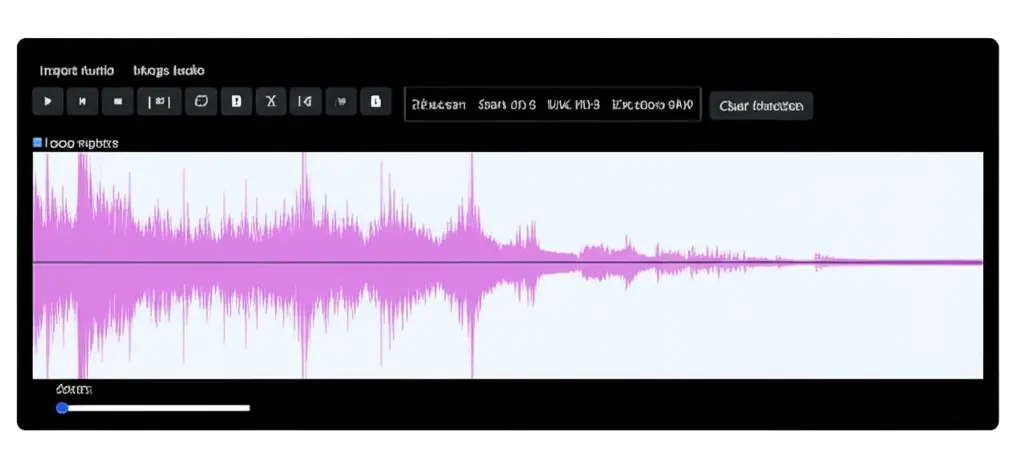
You can reverse audio online without installing any software. Simply select files from any device or add them online editor in a wavefrom.Reverse Audio transforms files without any effort on your part. All you have to do is select a file, click to reverse audio button, play and download the results!

All Formats
There's no need to reformat or compress your music. This online app supports all file formats (mp3, m4a, m4r, flac, or wav) and large files.
Editing Features
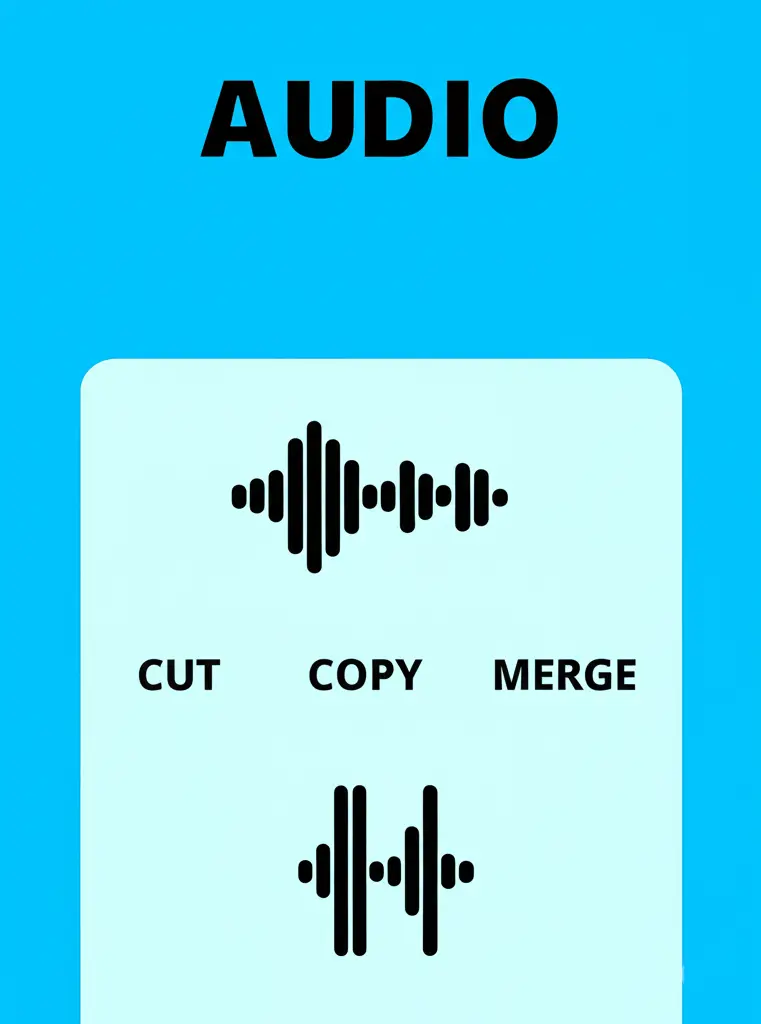
- Cut, Copy, Paste – Edit audio segments easily like text.
- Trim – Remove unwanted parts before or after a selected region.
- Split – Divide audio into separate parts for rearranging or deleting.
- Merge – Combine multiple audio clips into one file.