Online Audio Trimer
How to Trim Audio?
Step 1
Import Audio
Choose a file from any device: PC, Mac, Android or iPhone. Importing the audio file into a digital audio editor in a waveform.
Step 2
Trim Audio
Select the region you want to trim with click and drag on the audio track to cut from the beginning or end. After that click on trim button to trim audio
Step 3
Export Audio file
Click on a download button to export audio file in your local system.
Fast, accurate, and reliable Audio Trimmer
Trim Audio lets you cut out unwanted parts from the beginning, middle, or end of your audio clips with just a few clicks. Whether you’re removing mistakes, background noise, or just cleaning up your recording, trimming helps you keep only the best parts. It’s fast, easy to use, and works right in your browser—no need to install anything. Perfect for podcasts, voiceovers, interviews, or any audio project where you want to sound clear and professional.

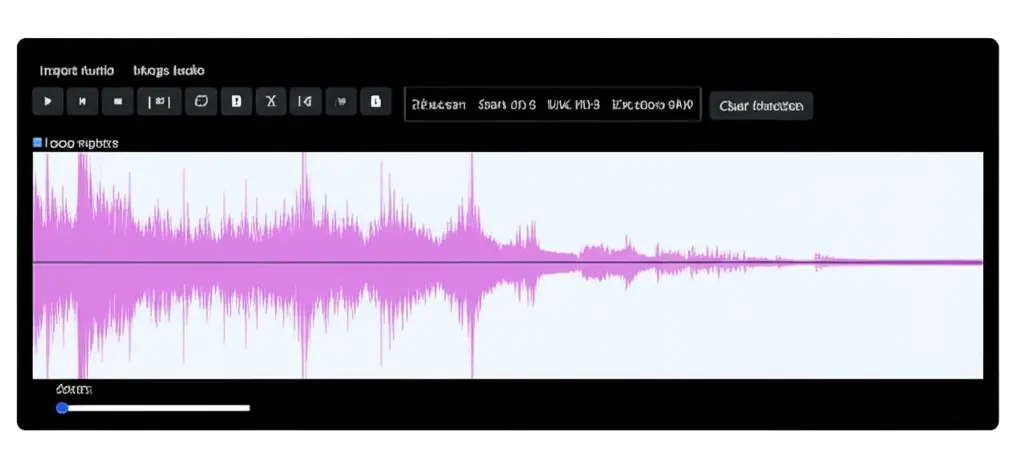
For your podcast, narration, audiobook, and more—
Trimming out pauses and silent gaps manually can take a lot of time. That’s why our AI-powered silence remover does the work for you automatically. It detects and cuts out the quiet parts in your audio—quickly and easily, all online with no downloads required. Clean up your sound and remove the awkward silence in seconds.
Editing Features
- Cut, Copy, Paste – Edit audio segments easily like text.
- Trim – Remove unwanted parts before or after a selected region.
- Split – Divide audio into separate parts for rearranging or deleting.
- Merge – Combine multiple audio clips into one file.